
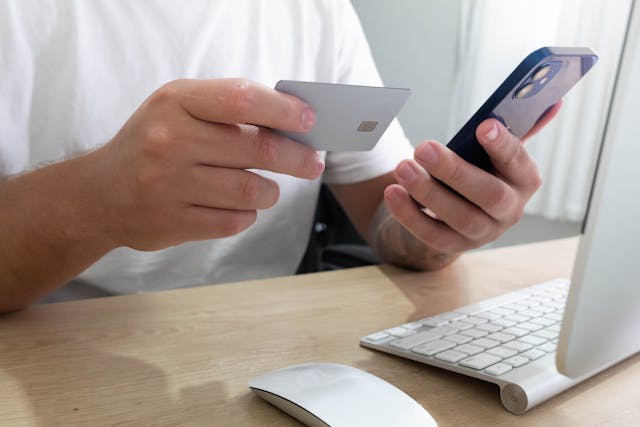
If you use Access Bank Plc, sending money has become very easy in 2026. You don’t need to visit the bank or stand in long queues anymore. With just your phone, you can transfer money in seconds using USSD, mobile app, or ATM.
In this guide, we’ll explain everything in a simple, human way so you can transfer money without stress.
What is the USSD code for Access Bank transfers?
The main USSD transfer code for Access Bank is:
*901#
This code gives you access to all mobile banking services, including:
• Money transfers
• Airtime purchase
• Bill payments
• Account balance check
• Mini account opening
It works on both smartphones and basic phones, even without internet.
How to send money using *901#
Follow these simple steps:
Step 1: Dial the code on your phone.
Dial *901# using the phone number connected to your bank account.
Step 2: Select transfer option
From the menu, choose “Transfer”.
Step 3: Enter bank details
• Select the recipient’s bank
• Enter their account number
Step 4: Confirm recipient
The system will show the account name so you can confirm you’re sending to the right person.
Step 5: Type in the amount you want to send.
Type the amount you want to send.
Step 6: Enter your PIN
Input your 4-digit USSD PIN to confirm the transaction.
Once completed, you will receive an SMS confirming the transfer.
How to set up your Access Bank transfer PIN
If you’re using USSD for the first time, you must create a PIN.
To create your PIN:
• Dial *901#
• Select “Create PIN”
• Enter your account or card details
• Set a 4-digit PIN
Always keep your PIN private to protect your money.
How to transfer using Access Bank mobile app
You can also use the official mobile app from Access Bank Plc for faster transactions.
Steps:
1. Download the Access Bank app
2. Log in with your account details
3. Tap “Transfer”
4. Enter account number and amount
5. Confirm using OTP or PIN
The app is great if you want more control and extra features like transaction history and savings tools.
How to transfer using ATM
If you prefer physical banking, you can also use an ATM:
Steps:
• Insert your debit card
• Enter your PIN
• Select “Transfer”
• Enter recipient details
• Confirm and complete transaction
This is useful when USSD or internet is not available.
Common problems and how to fix them
Sometimes transfers don’t go smoothly. Here are common issues:
Wrong PIN
• Solution: Reset your PIN using *901#
Network delay
• Wait a few minutes and try again
You entered an incorrect account number.
• Always confirm the name before sending money
You have reached your daily transfer limit.
• Your account type may have daily limits
Transfer limits and charges
Access Bank has limits depending on your account level.
• Basic accounts: lower daily limits
• Fully upgraded accounts: higher limits
Charges vary based on amount and transfer method, but USSD and app transfers are generally affordable.
Safety tips when transferring money
To avoid mistakes or fraud:
• Never share your PIN
• Double-check account number before sending
• Avoid using public phones for transfers
• Ignore fake bank messages or calls
• Always confirm recipient name on screen
Final thoughts
Sending money with Access Bank Plc is now very fast and simple in 2026. Whether you use USSD (*901#), mobile app, or ATM, you can complete transactions in seconds.
If you want something quick and offline, USSD is the best option. If you want more features and control, the mobile app is even better.
Either way, banking is now easier than ever.


No comments yet.